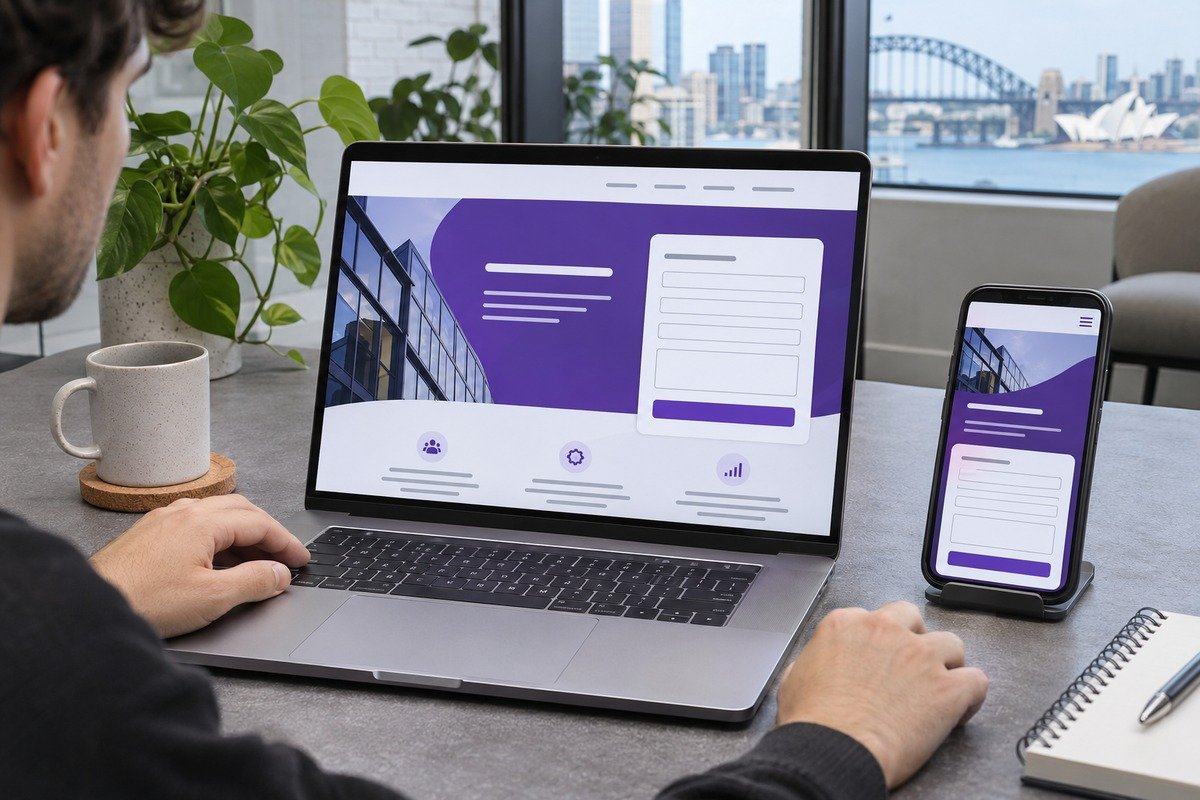
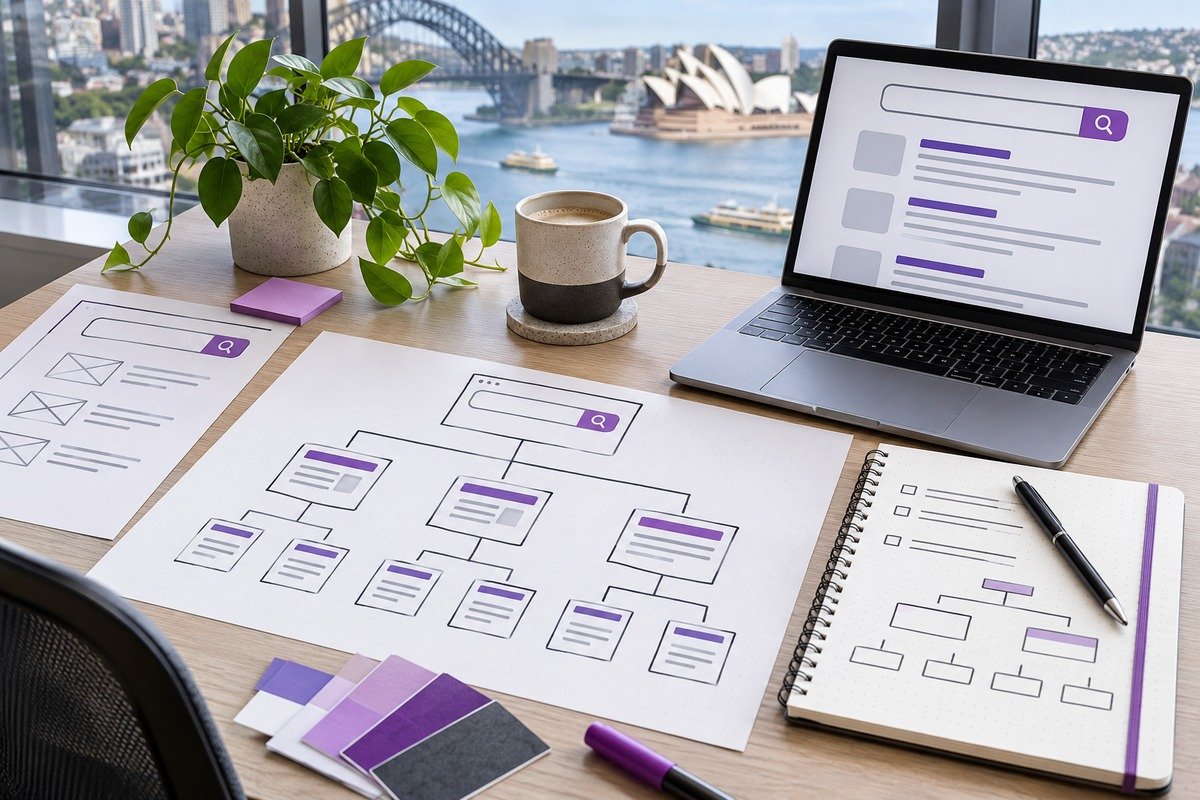
A useful development brief describes a complete task, from the first click to the response a customer receives and the work your team does next. That level of detail helps everyone assess whether a feature is ready. Markezo helps Sydney businesses turn website requirements into a sequence of decisions, implementation and review. We consider the people using each feature, the content it relies on and the responsibilities involved in keeping it working. The project can then progress through agreed stages, with a clear basis for feedback and launch preparation.
Describe the task before choosing the feature
Begin with an everyday example. A customer wants to ask about a service, provide useful details and know when to expect a response. Your team needs the enquiry in a place it can act on. Write down those steps before choosing the form or tool. This makes it easier to identify missing information, unnecessary steps and the responsibilities that sit outside the website itself.
Review the existing site and its dependencies
Bring together the current platform, hosting arrangements, approved content and connected services. Identify what can be retained and what needs closer review. A Surry Hills business adding appointment requests may already have a scheduling system that should remain the source of availability. Understanding that starting point helps avoid building a feature that duplicates work or conflicts with an established process.
Make routine content changes manageable
Plan the information your team needs to publish and how it should be organised. Services, team profiles and project examples may need different fields and review steps. Agree which changes staff should make themselves and which require technical support. A useful editing experience gives people enough flexibility for approved updates while helping them preserve the page structure and visual consistency.
Connect external tools with clear responsibilities
A booking, payment or customer management tool may form part of the website experience. Establish which information should pass between the systems and who controls each account. Discuss what users should see if an external service is unavailable or a request cannot be completed. Confirm compatibility and access before promising an integration, and include any provider charges in the project discussion.
Review working features with realistic examples
Use representative content and common customer tasks during the build review. Try an incomplete form, a long service name or a returning visitor following an older link. Check the important journeys across the agreed devices and browsers. Record what needs correction and what represents a new requirement, so feedback leads to a clear decision rather than an expanding list of unplanned changes.
Prepare a practical release and handover
Agree who approves the release, which items must be ready and how the team will check the website after it goes live. Confirm account access and the arrangements for keeping an appropriate copy of the site before significant changes. The handover should explain routine editing and how to request help. Ongoing maintenance and further features can then be handled through an agreed support scope.